
QR Desk’s Security Guard Patrol System ensures that security rounds are completed on time, at the right locations, and with verifiable proof. Designed for enterprises, campuses, factories, and large facilities, the system replaces manual patrol logs with QR checkpoints, selfie-based verification, and automated time-stamped records.
Book a Free DemoTrusted by corporate campuses, factories, and enterprise facilities across India.
Join Webinar
From task assignment to compliance reporting - fully digital patrol workflows
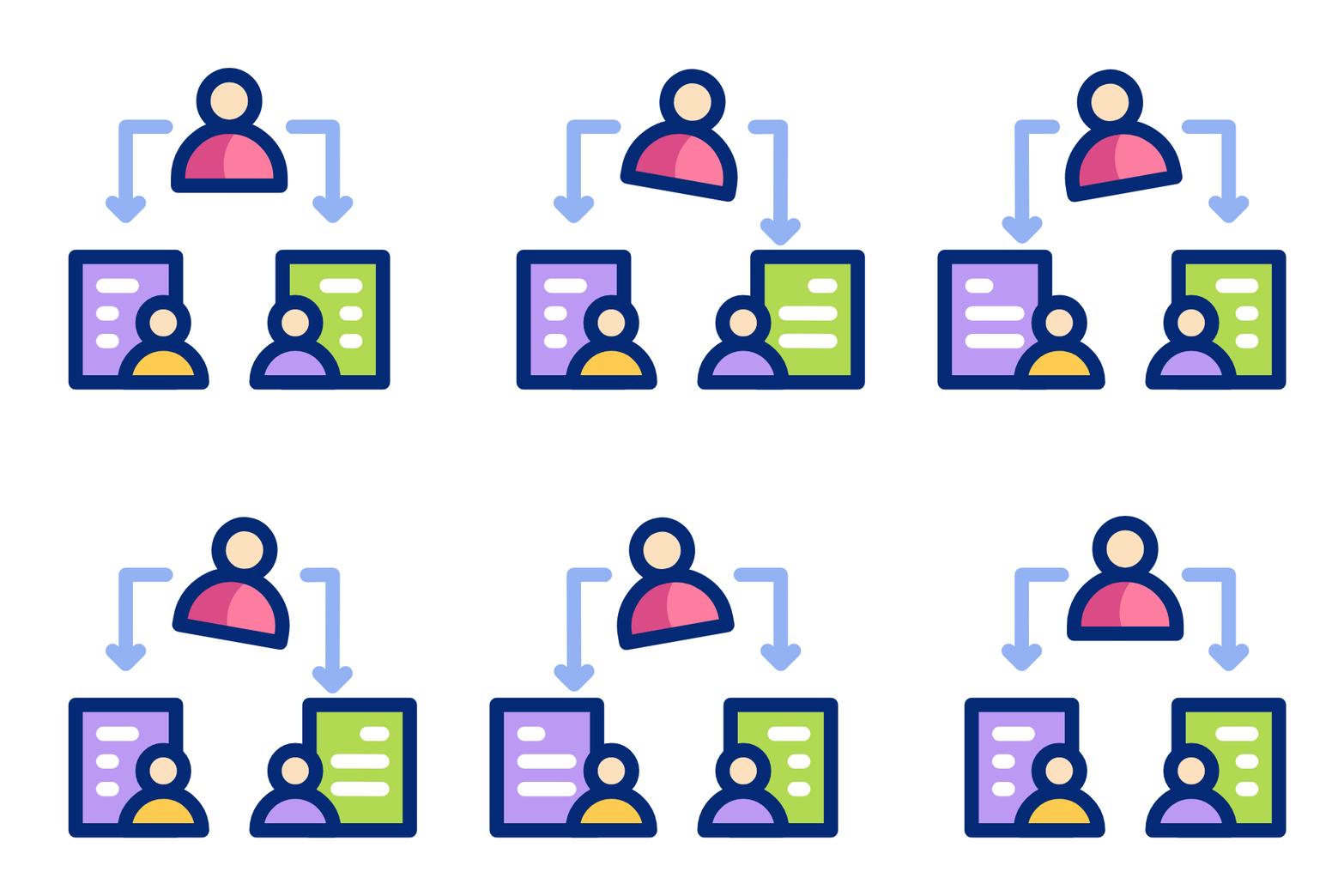
Security supervisors assign patrol tasks to guards by defining patrol locations, checkpoints, and time intervals for each round using the dashboard.
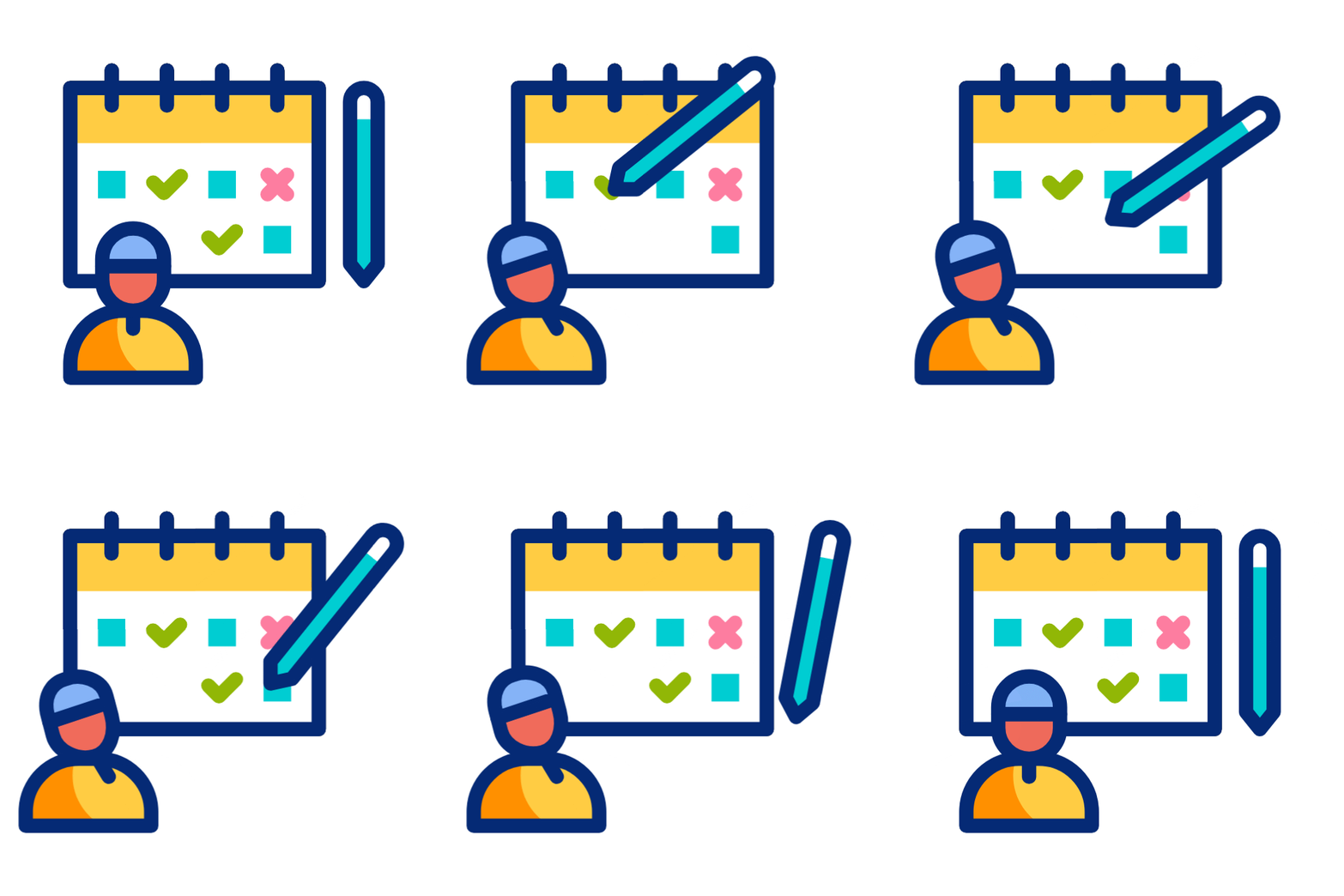
Each security guard receives a clear patrol schedule that specifies which areas to visit and at what time, ensuring structured and timely rounds.

At every assigned location, the security guard visits the checkpoint and captures a selfie using the mobile app, confirming physical presence at the site.
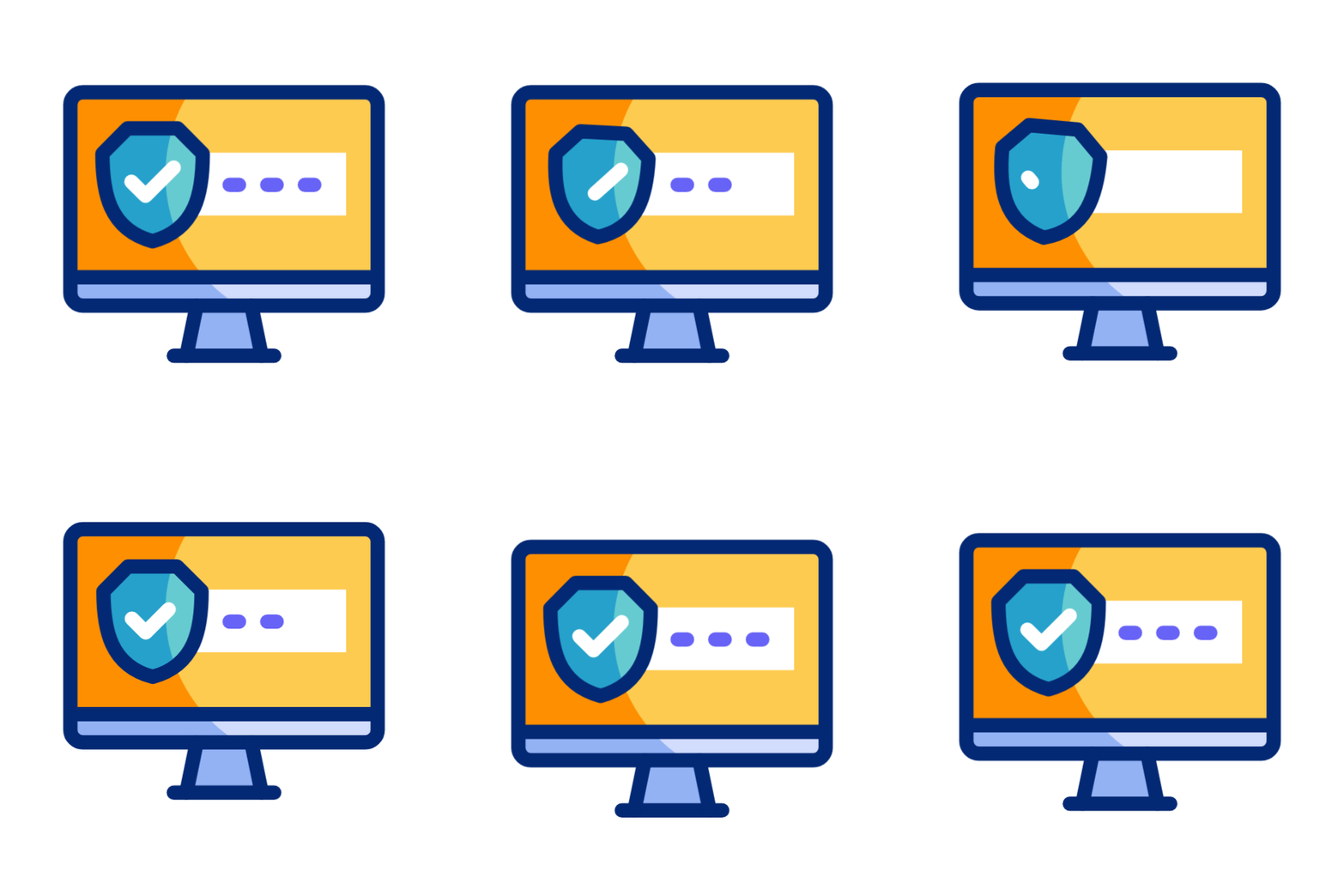
Each selfie is automatically recorded with time-stamp and location data, creating tamper-proof patrol records without any manual input.

Supervisors can instantly see which patrol points were completed, delayed, or missed, along with the exact visit time for each checkpoint.

All patrol activity is summarized in daily and monthly dashboards, enabling management to review guard performance, compliance levels, and security coverage trends.
QR Desk ensures every patrol is verified, recorded, and reviewable.
QR Desk’s Security Guard Patrol Monitoring Software is ideal for:









QR Desk’s security patrol module integrates seamlessly with other access management workflows:

Ensure visitor movement and security checks align with patrol coverage.

Verify gate activity and vehicle movement during scheduled patrol rounds.

Support safety enforcement by monitoring restricted work zones through patrol verification.

Maintain overall facility discipline by ensuring access policies are enforced across zones.
Manual patrol registers and verbal confirmations are unreliable and difficult to audit. Upgrade to a QR-based security guard patrol system that ensures accountability, visibility, and control.
Trusted by 70+ enterprises