
QR Desk’s Canteen Management System digitizes meal access for employees and authorized visitors, eliminating manual coupons, registers, and misuse. Built for modern workplaces, the system enables QR-based meal verification, real-time dashboards, and accurate consumption tracking - ensuring transparency, control, and efficient vendor billing.
Book a Free DemoTrusted by corporate offices, factories, and enterprise campuses across India.
Join Webinar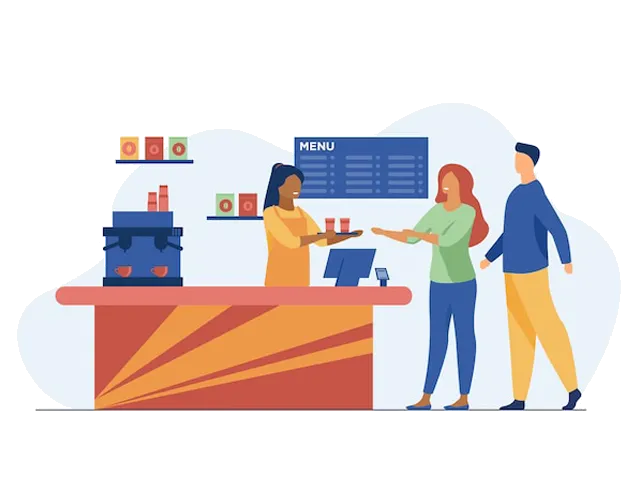
From meal allocation to consumption reporting - fully digital workflows

Administrators configure employee meal eligibility based on department, role, shift, or location - defining meal types such as breakfast, lunch, dinner, or snacks.

Based on employee meal configuration, an employee can assign meal access to their visitors, allowing them to dine during approved meal times.
Once the employee approves meal access, the visitor's QR pass is automatically updated with the assigned meal permission, even if the pass was already created.
At the canteen counter, staff scan employee or visitor QR passes to verify meal type and eligibility instantly - removing manual coupons and preventing misuse.

Each meal scan updates consumption data automatically, capturing user, department, meal type, date, and time in real time.

Administrators view detailed monthly and yearly meal consumption reports, enabling accurate cost analysis, vendor reconciliation, and audit readiness.
QR Desk ensures complete visibility and accountability for every meal served.
Whether you serve hundreds or thousands of meals daily, QR Desk scales effortlessly.






QR Desk’s canteen workflows integrate seamlessly with other access management modules:

Authorize visitor dining only for approved visits and durations.
Support meal access for drivers and visiting staff during authorized stays.

Enable meal access for permitted workers based on approved work duration.

Maintain overall facility discipline by ensuring access policies are enforced across zones.
Manual meal tracking leads to losses, misuse, and billing disputes. Upgrade to a QR-based canteen management system built for control, transparency, and scale.
Used by 20+ enterprises